1
Getting Started
Dashboard & Menu Management
What It Does
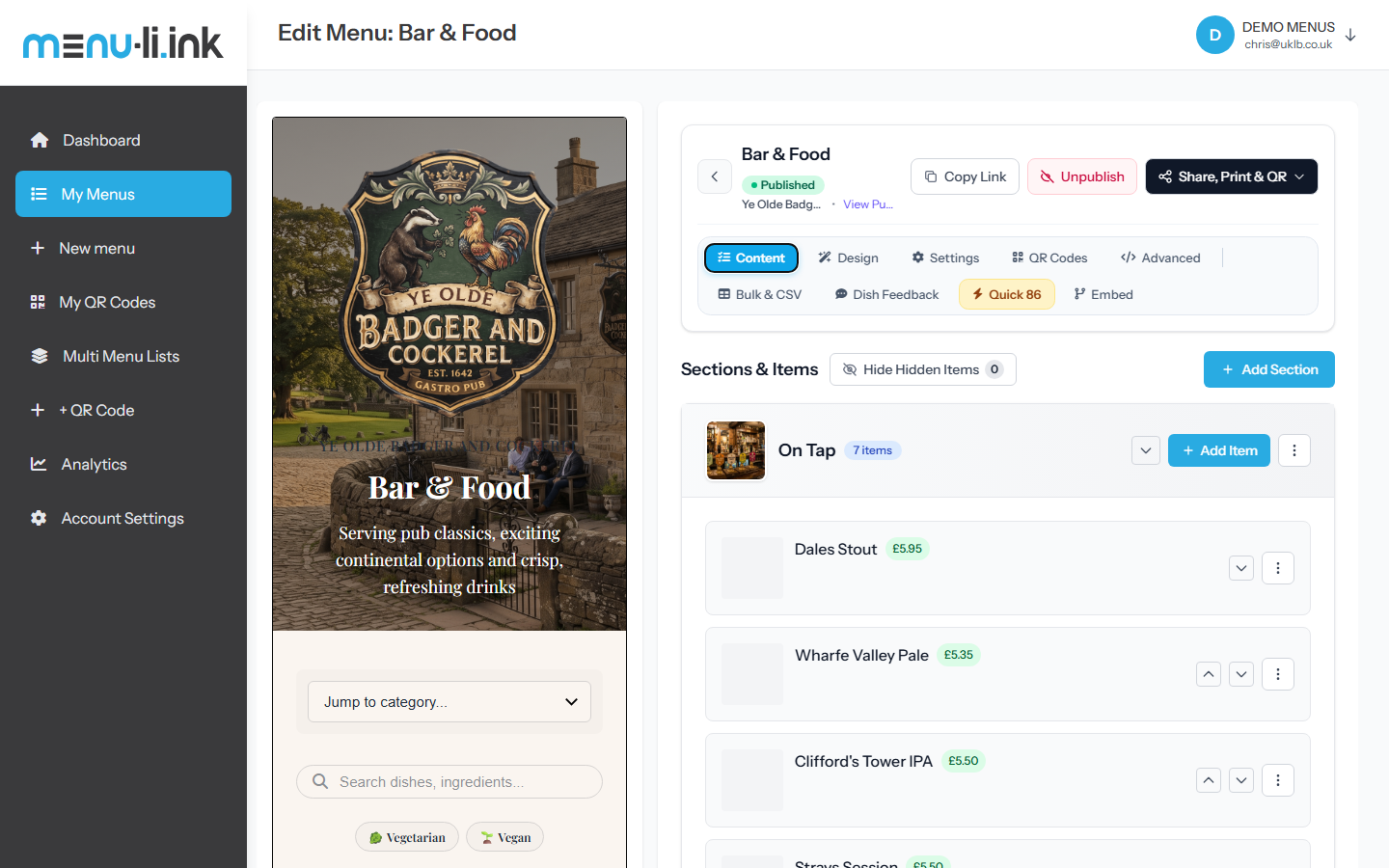
The Menu Link Dashboard is your venue's central command station. It gives you a clean, unified view of all your digital menus, active QR codes, live view analytics, and customer interaction metrics.
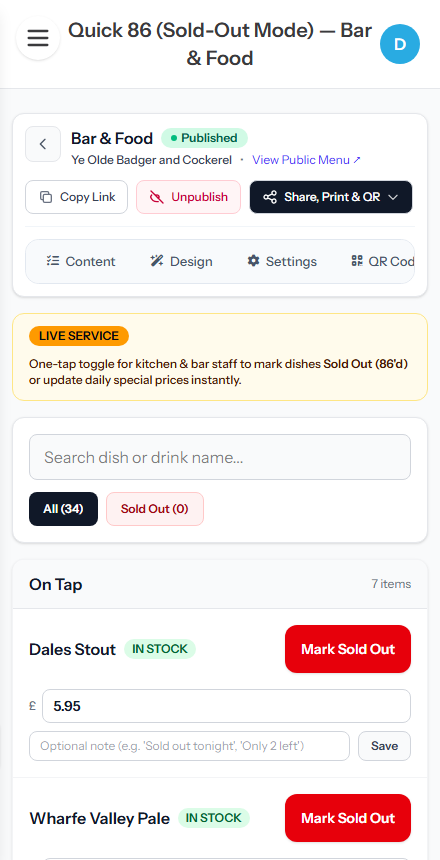
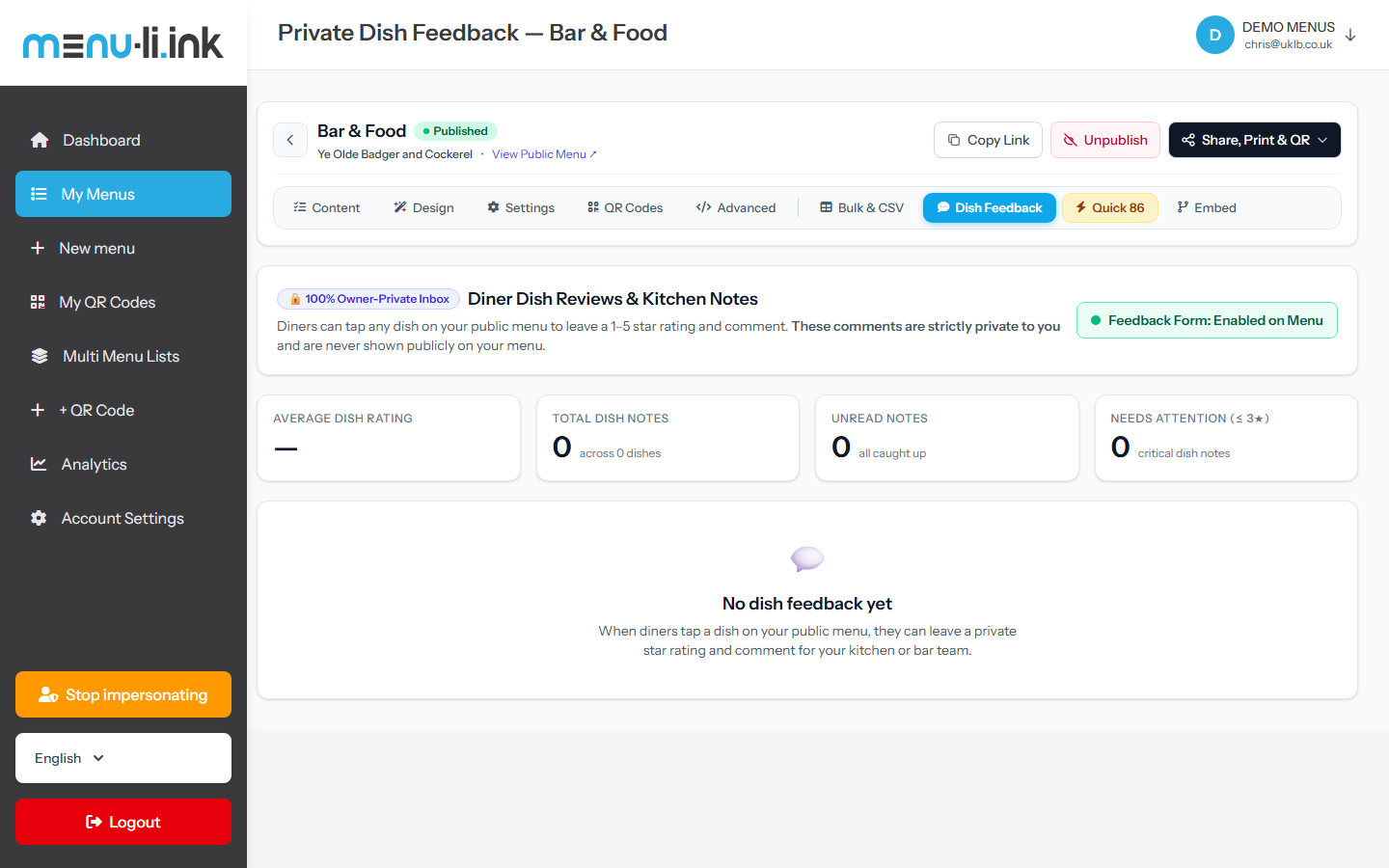
From your dashboard, you can publish or unpublish menus with one click, launch the interactive live editor, jump straight into Quick 86 service mode, and monitor diner feedback.
How to Use It
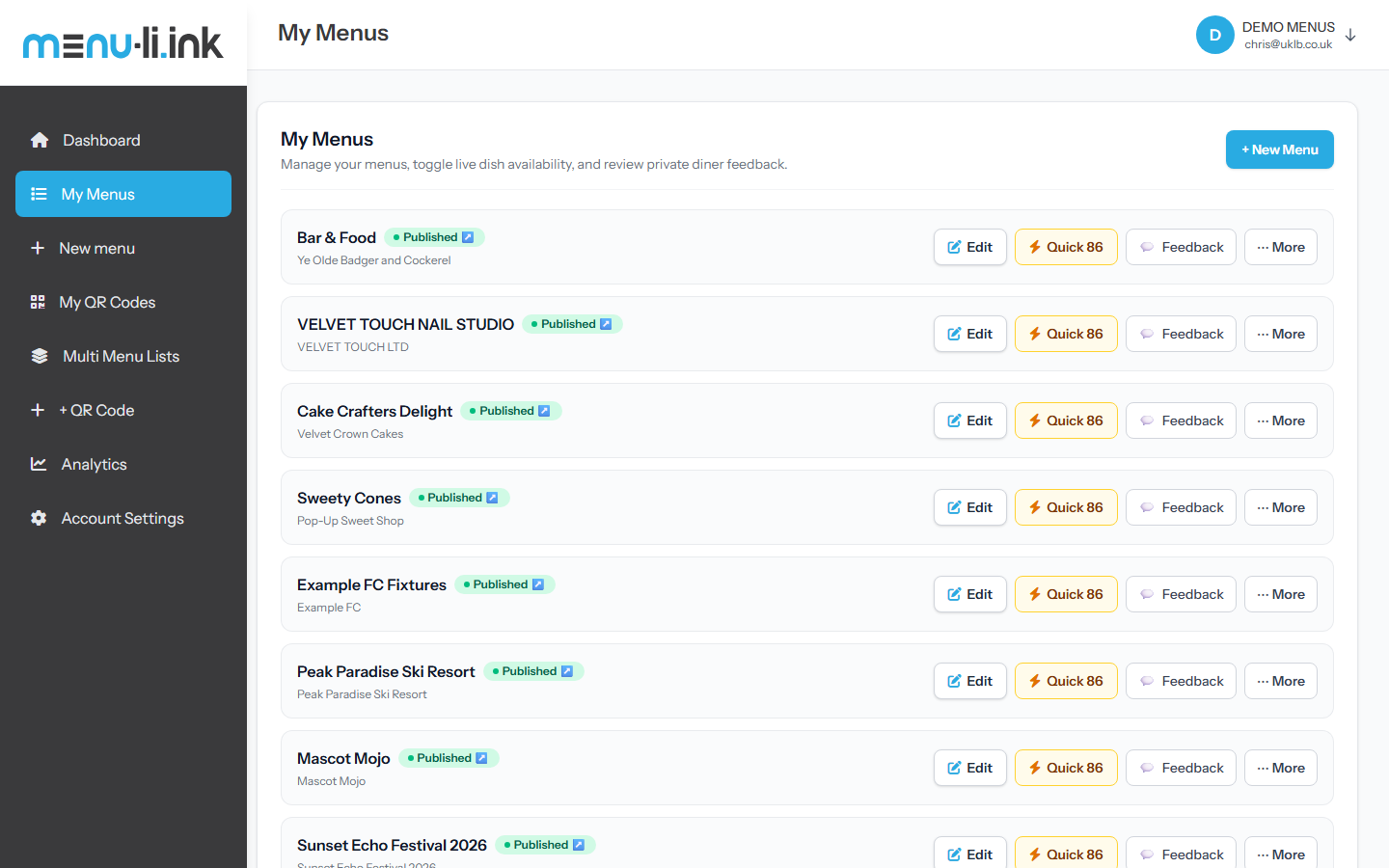
- Access Your Menus: Log in to your account and click My Menus in the sidebar.
- Status Badges: Check whether each menu is Published (live to the public) or in Draft mode.
- Fast Action Buttons: Use the ✏️ Edit button for full design edits or ⚡ Quick 86 for shift adjustments.
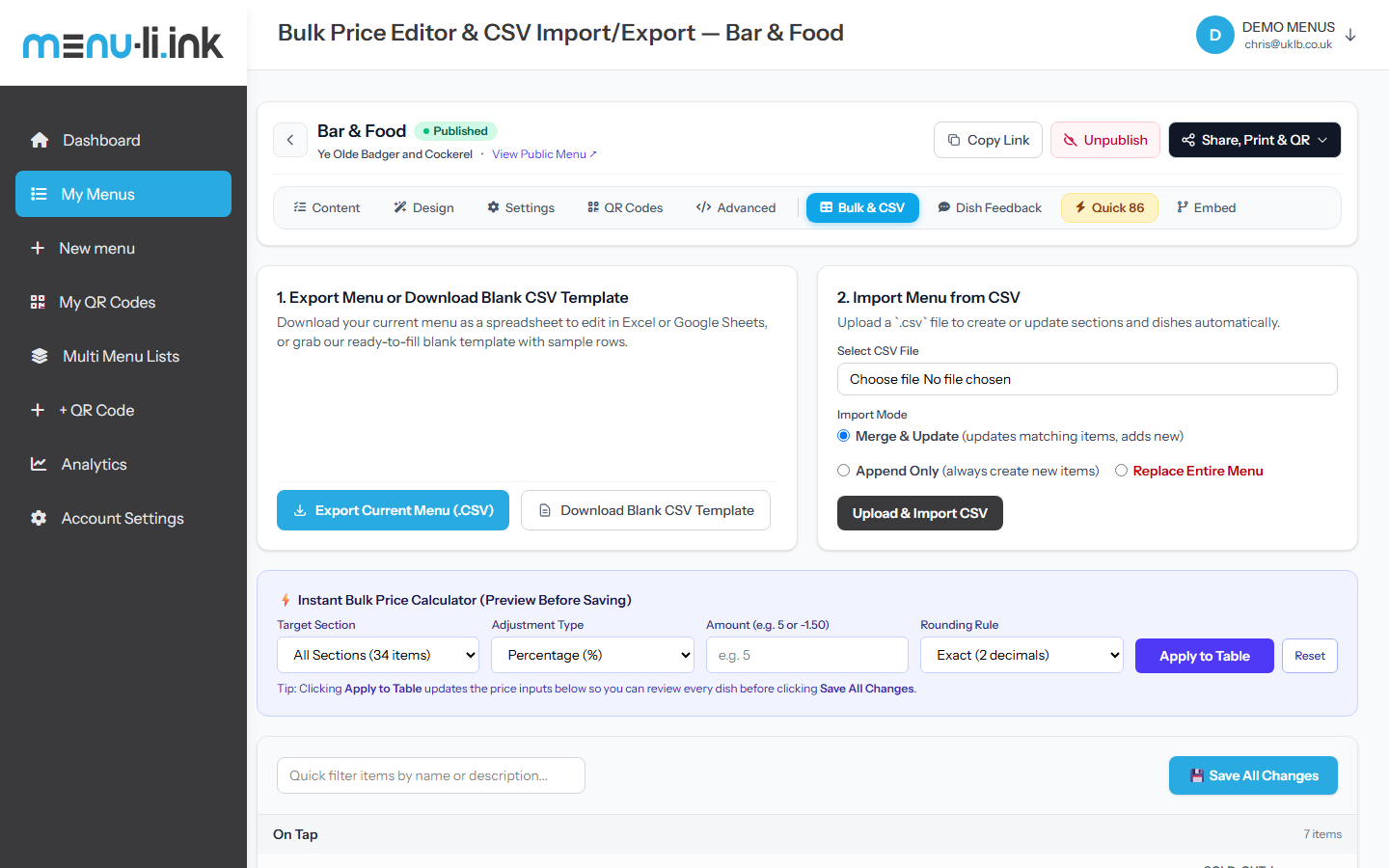
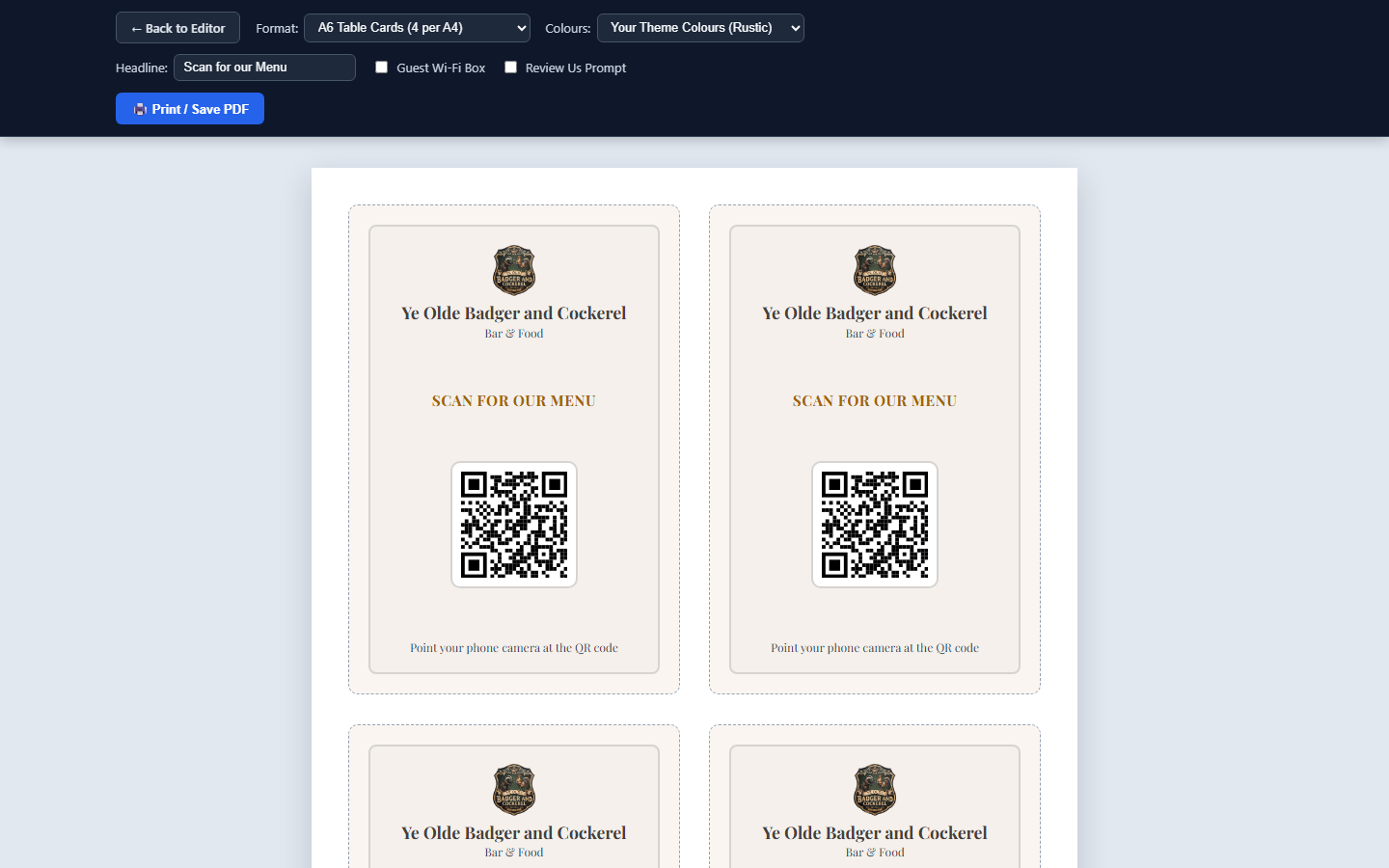
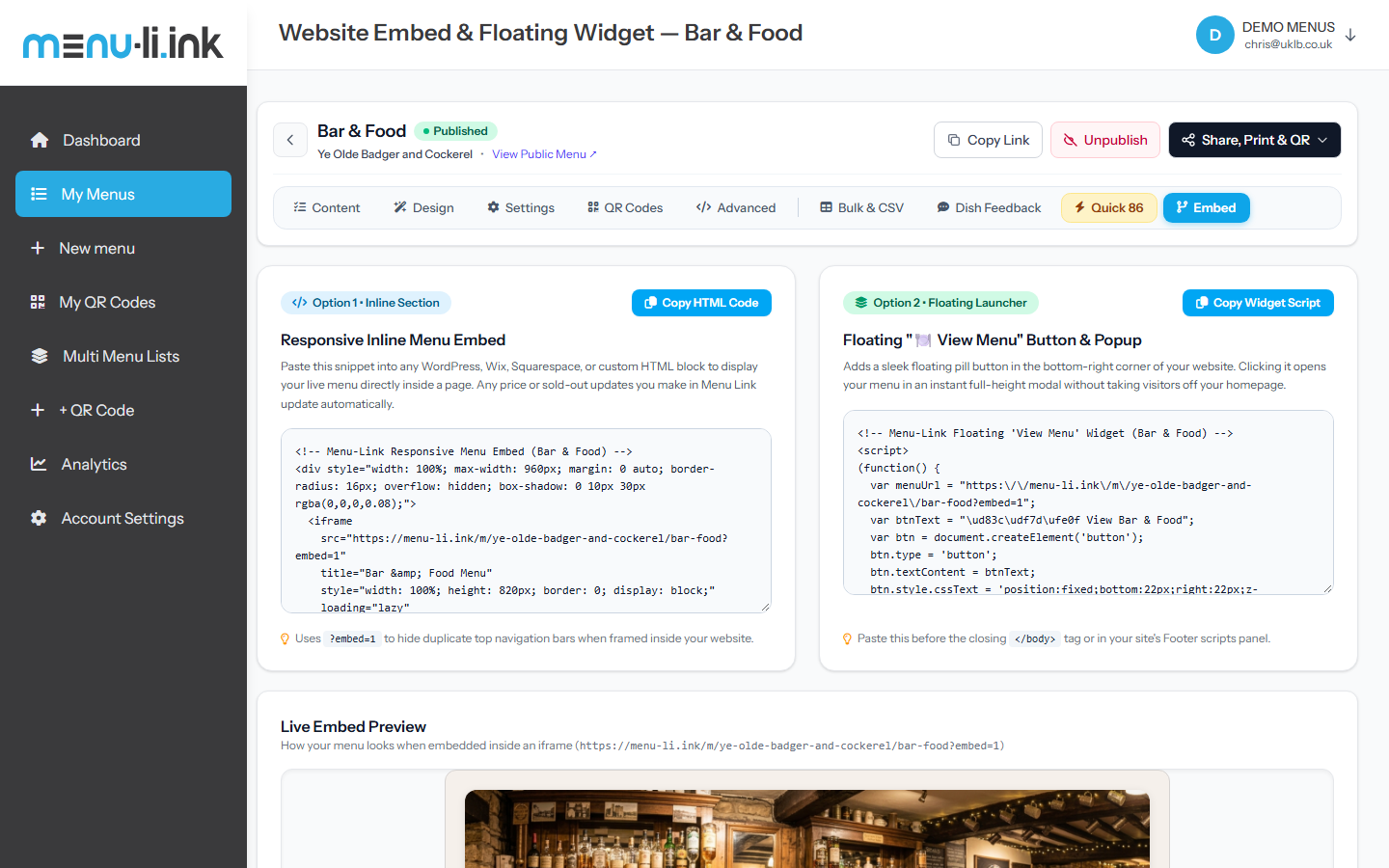
- Tools Dropdown: Click ••• More on any menu card to access Bulk Pricing, CSV tools, Table Tents, Embed snippets, and Duplicate menu.
Menu Link — My Menus Dashboard
Click to expand
Pro Tip: Multi-Menu Venues: You can create multiple menus under one business profile—e.g. Main Food Menu, Wine & Cocktails List, Sunday Roast, and Kids Menu. Diners can switch between them seamlessly.