
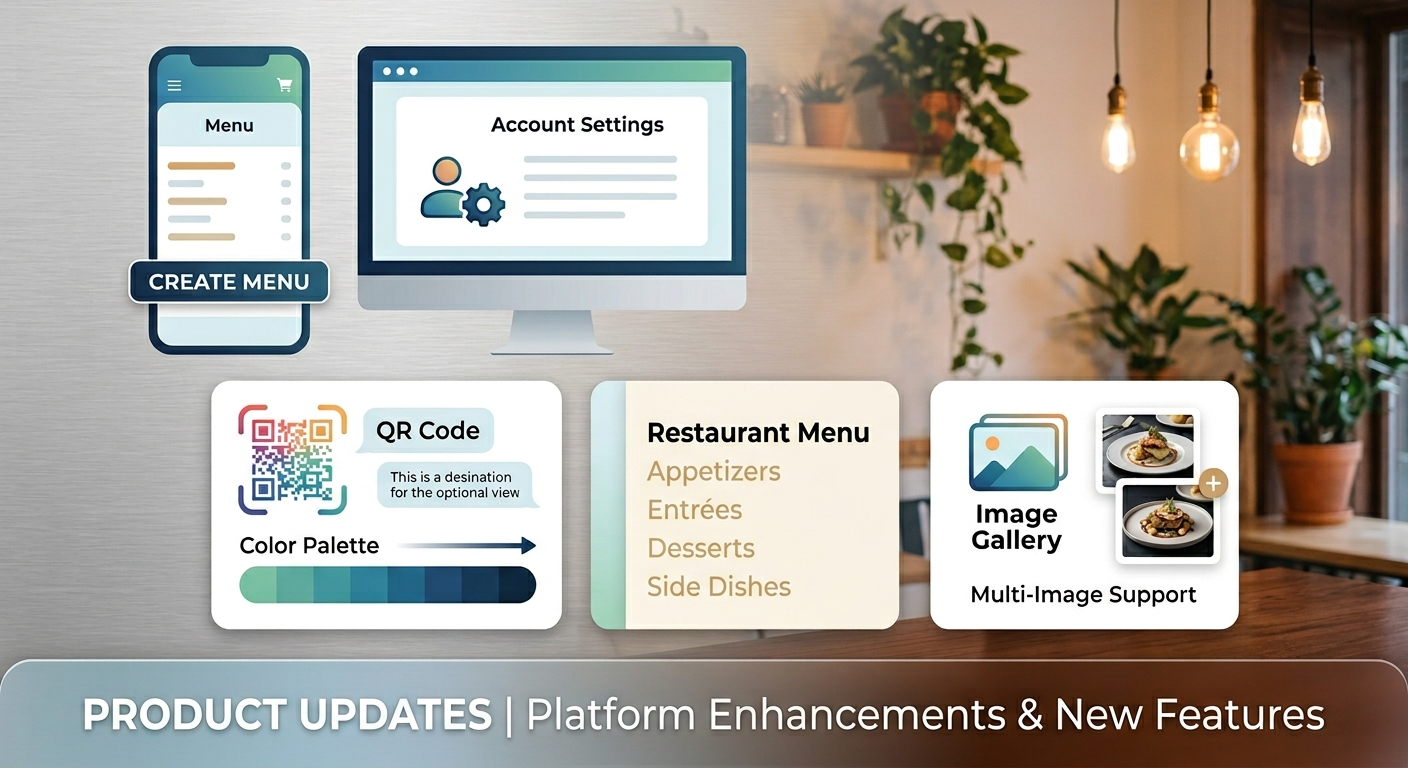
✨ Fresh Updates: Elevating Your Menu Editor Experience
We’ve been busy listening to your feedback and refining the platform to make it more intuitive, powerful, and mobile-friendly. Whether you’re a design pro or a first-time user, these updates are designed to streamline your workflow and give you more control over your brand.
Here is a breakdown of what’s new in the latest update:
📱 Mobile-First Improvements
We know many of you manage your business on the go. We’ve overhauled the mobile interface to keep things snappy and accessible:
-
Top-Level Navigation: The "Manage Menus" button has been moved to the top for instant access.
-
Smarter Banners: We reworked the welcome banner to provide a tailored experience for both new users and returning pros.
-
QR Code Preview: No more scrolling to see your changes! On mobile, the QR code preview is now pinned to the top.
-
Better Layouts: We fixed the formatting for business hours and social media links to ensure they look perfect on smaller screens.
🎨 Deep-Dive Customization
Your brand isn’t "one size fits all," and now your menu isn't either.
-
Palette Color Swatches: You can now save custom colors to your palette, making it easy to maintain brand consistency across your entire menu.
-
Category-Level Colors: Want your "Cakes" title in black but your "Beverages" title in beige? You’ve got it. We’ve added individual category color options for massive customization flexibility.
-
Pro CSS Editor: For our power users who want total control, we’ve added a dedicated CSS editor to tweak your layout to perfection.
🛠️ A Cleaner, Smarter Editor
We’ve decluttered the workspace so you can focus on what matters—your content.
-
Collapsible Menus: Main editor buttons are now tucked into clean, collapsible menus to save screen real estate.
-
Dropdown Tabs: As we add more features, space gets tight! Editor tabs have been converted into a sleek dropdown menu.
-
Account Management: The profile icon is now a full management hub, housing your account settings and logout functions in one place.
🖼️ Enhanced Media & Information
-
Multi-Image Support: You can now upload and preview multiple images for menu items, giving your customers a better look at what’s cooking.
-
Helpful Hints: We’ve added "i" icons and improved descriptions across the menu editor and QR color picker to explain exactly what each setting does.
-
Clarified Calendar: To avoid confusion, the "Red" highlight in your schedule now clearly represents the current day (matching your chosen menu theme) rather than a "closed" status.
Note on QR Codes: We received requests to resize or move the logo within the QR code. To ensure your customers can always scan successfully, these positions remain fixed, as changes could break the code's functionality.
Log in today to explore the new tools and give your digital menu a fresh new look!
How do these new navigation changes feel on your device so far?