
Smart Digital Menus Made Simple
Create a digital menu for your business in minutes. Boost efficiency and delight your customers with a seamless, modern experience.
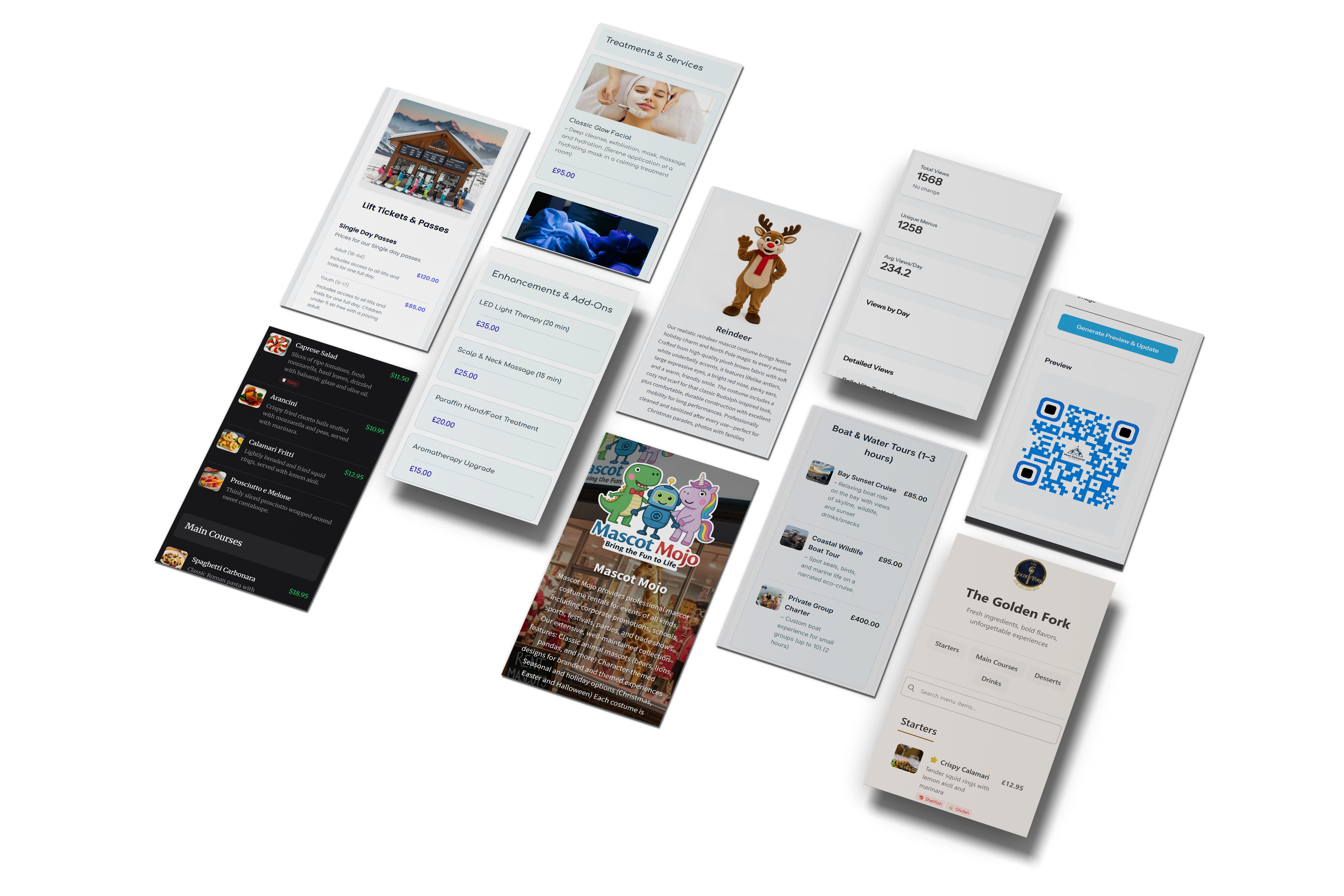
Everything You Need
Powerful features to create and manage digital menus
Instant Menu Creation
Generate digital menus in seconds for restaurants, cafes, bars, salons, and more.
Usage Statistics
See how many times your menus are viewed. No device, location, or personal data is collected.
Custom Designs
Apply colours, logos, and styles to align with your brand identity.
Dynamic Updates
Change menu items anytime without reprinting. Perfect for seasonal changes.
Mobile Friendly
Works seamlessly on any device. View, create, and manage menus from your phone, tablet, or desktop.
Advanced Analytics
Track menu views, popular items, and customer engagement to optimise your offerings.
Learn more →🍽️ See It In Action
Try our interactive menu demo and see how your menu could look with different themes, colors, and layouts.
Try the Interactive Demo →How It Works
Create
Sign up and create your first digital menu in seconds.
Customise
Design your menu to match your brand or style.
Share
Generate QR code and share your menu anywhere you need.
Track
See usage statistics for every menu you share.
Perfect for Any Business
From restaurants and cafes to pubs, barbers, and service businesses — Menu Link works wherever customers need a simple digital menu or service list.
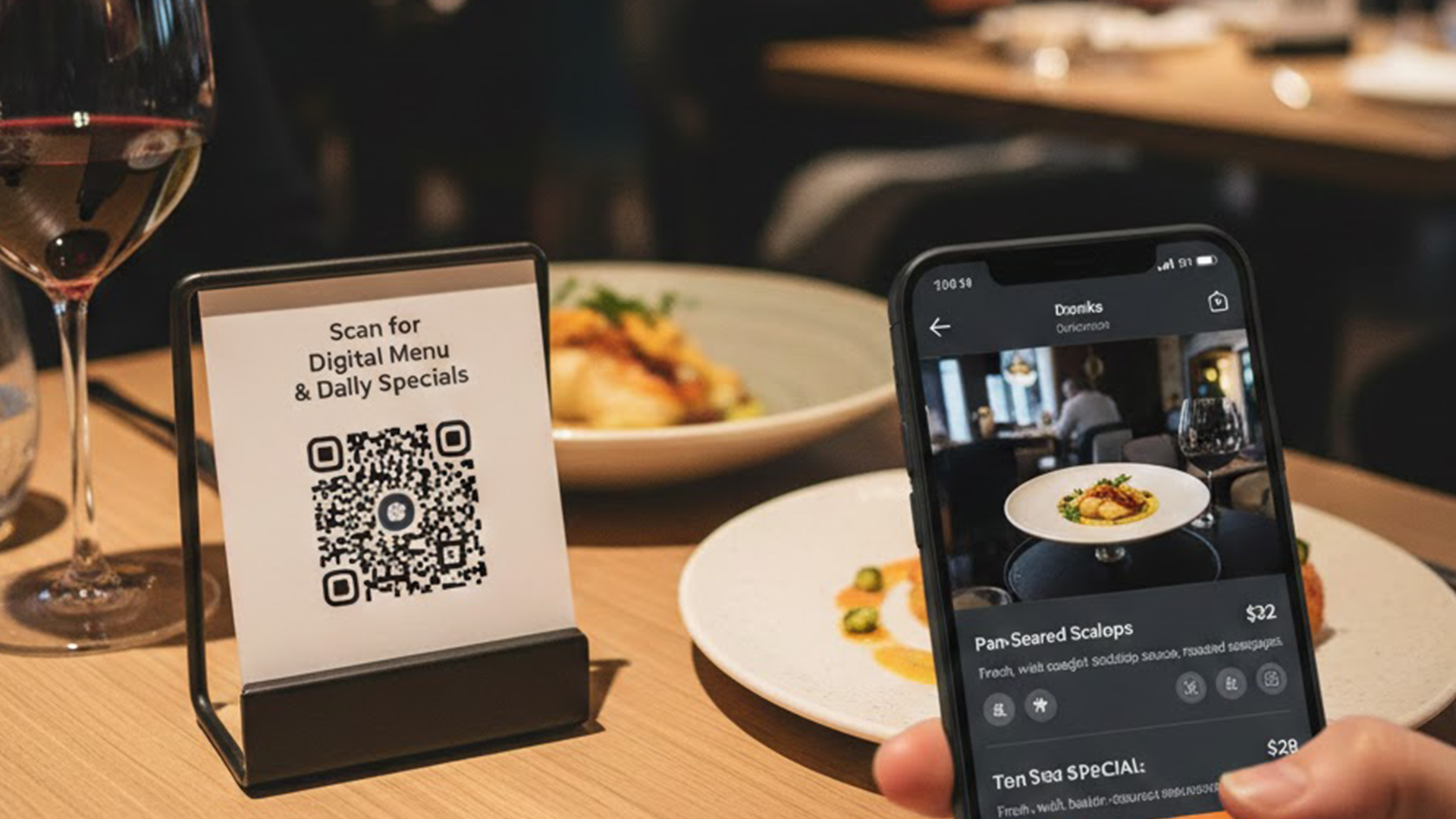
Restaurants
Create beautiful digital menus with categories, prices, descriptions, and allergen information. Update specials instantly.
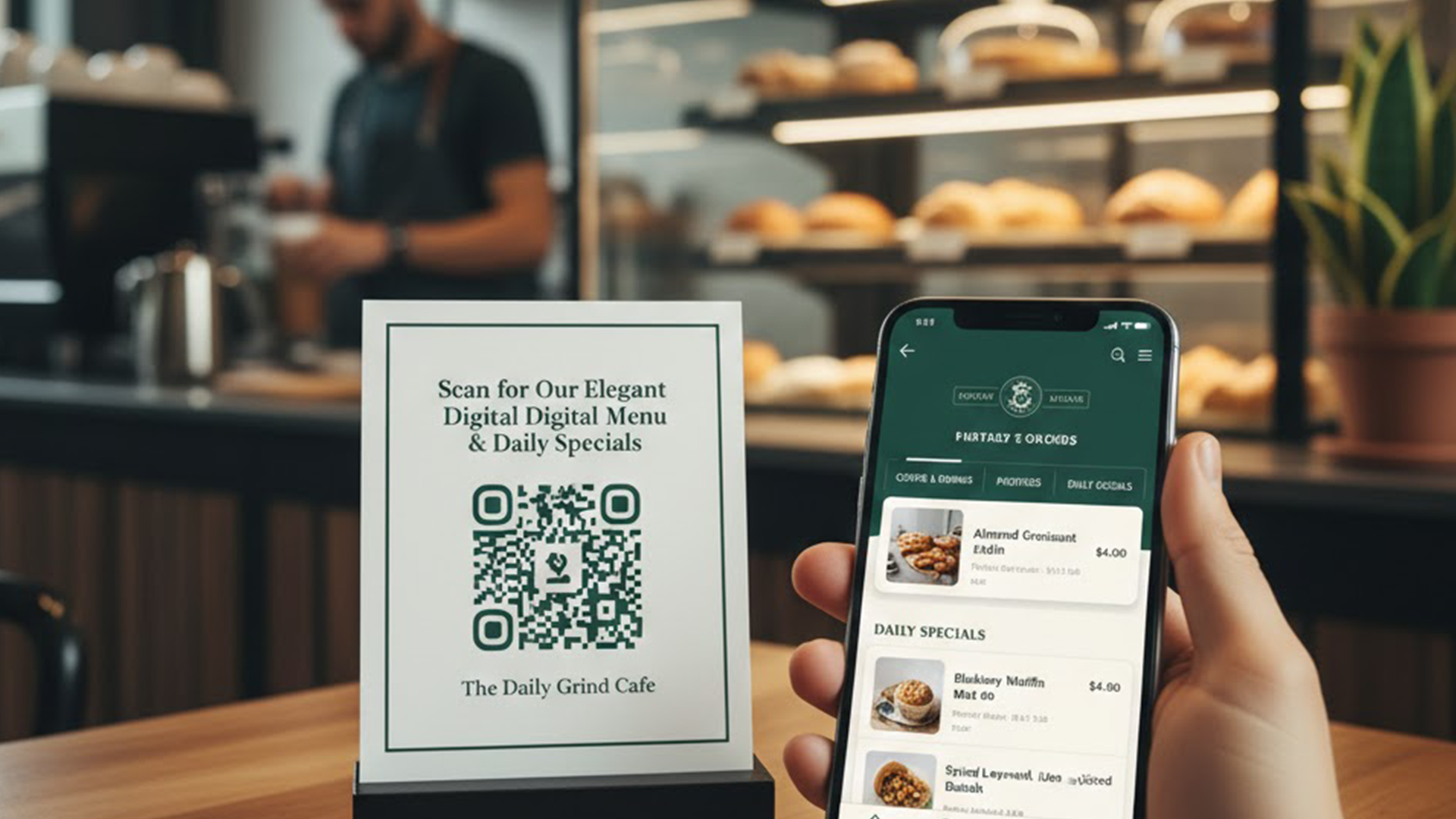
Cafes & Coffee Shops
Showcase your coffee, pastries, and daily specials with an elegant digital menu that matches your brand.
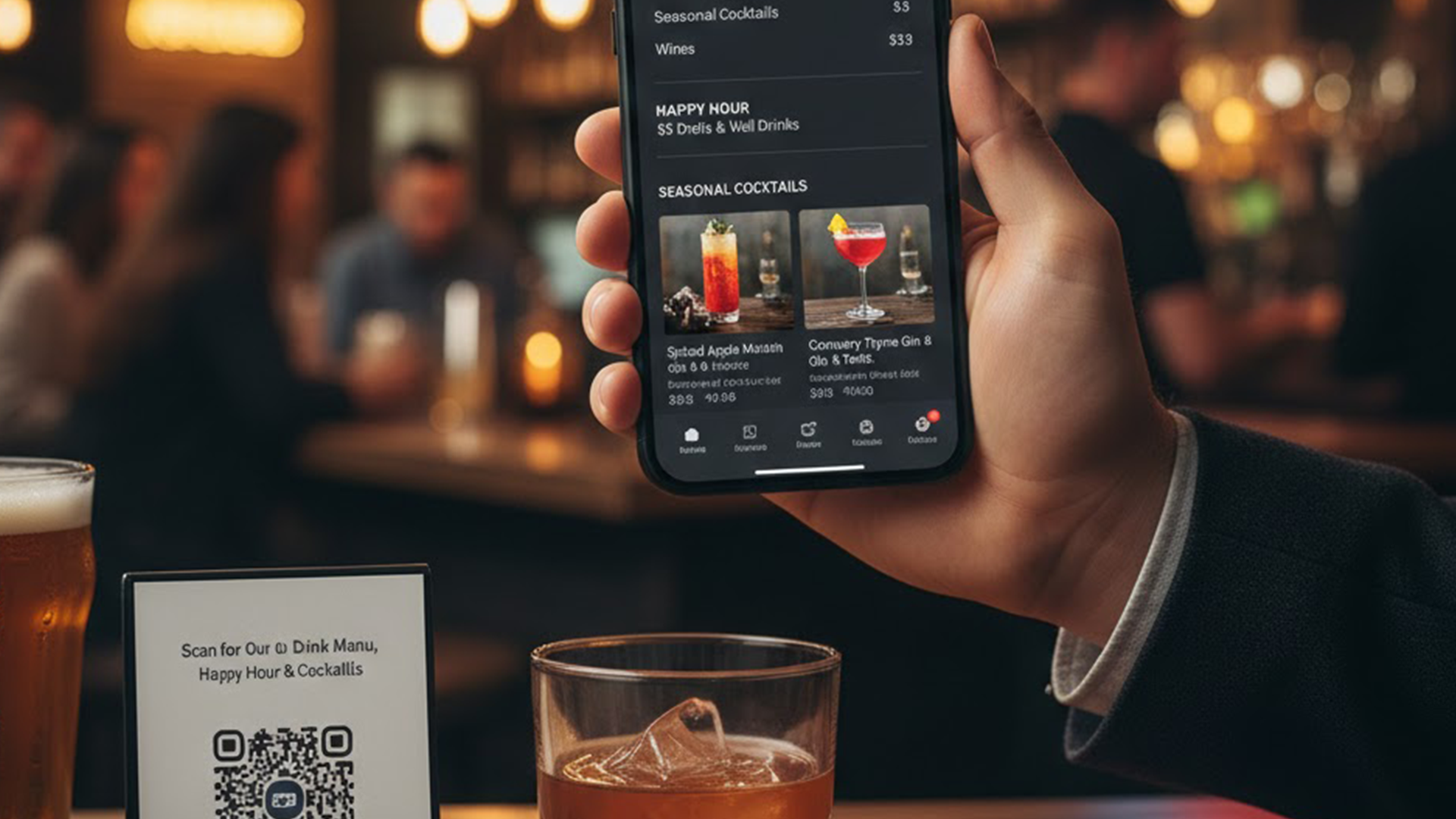
Bars & Pubs
Display your drink menu, happy hour specials, and seasonal cocktails with professional presentation.
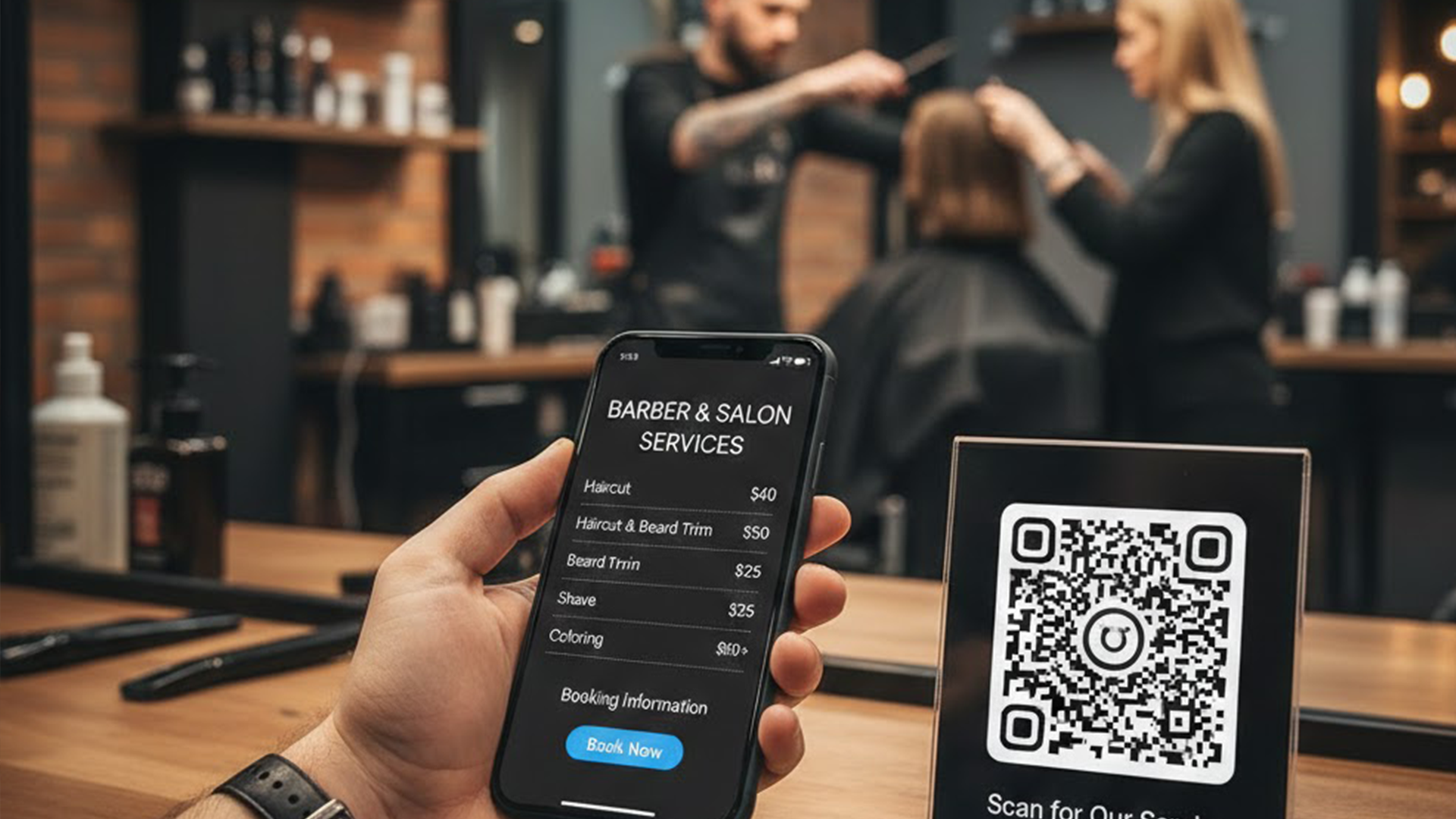
Barbers & Salons
Show service lists, prices, and booking info on a simple QR menu — ideal for salons and appointment-based businesses.
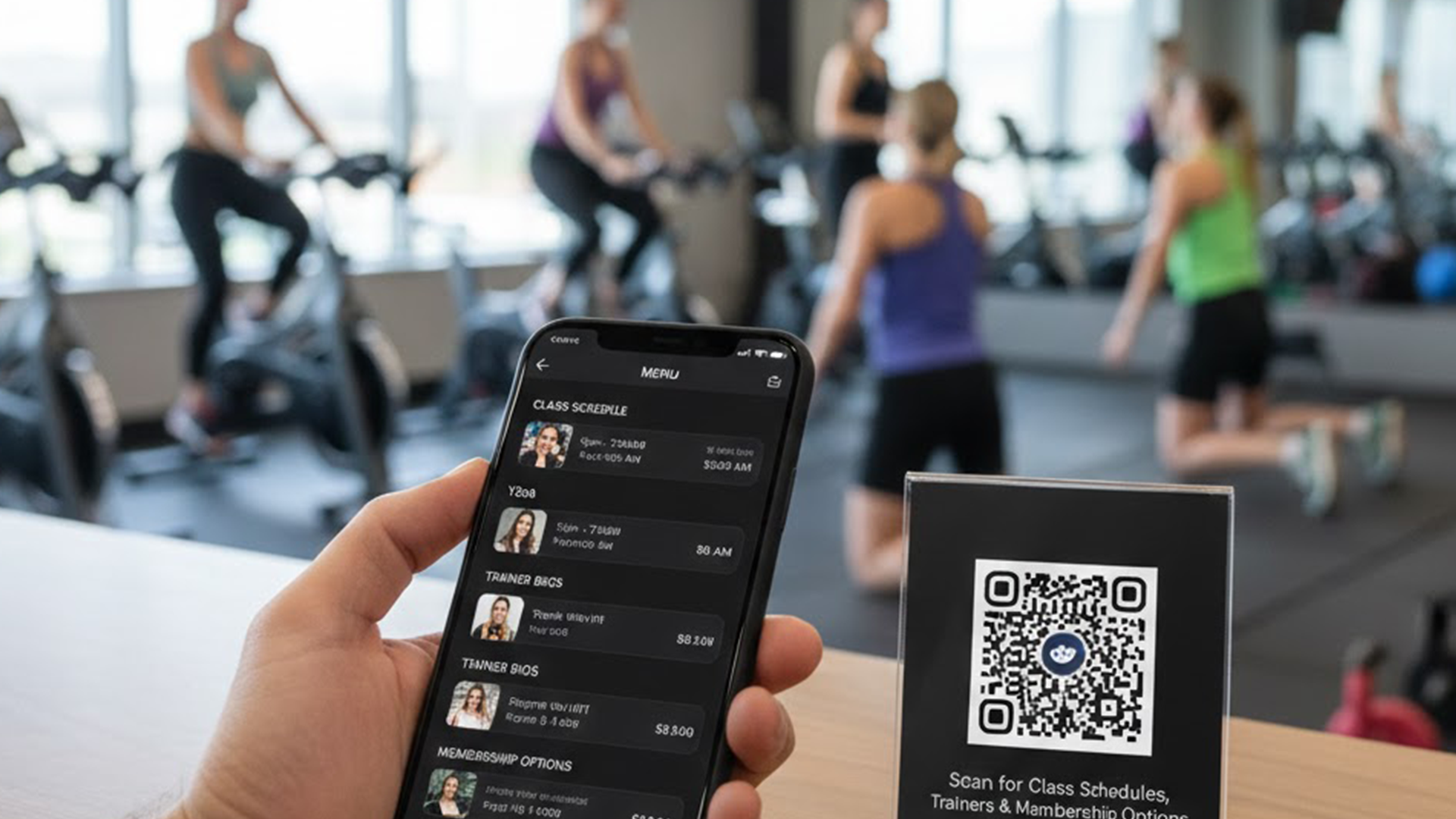
Gyms & Fitness
Display class schedules, trainer bios, and membership options. Update offerings instantly for your members.
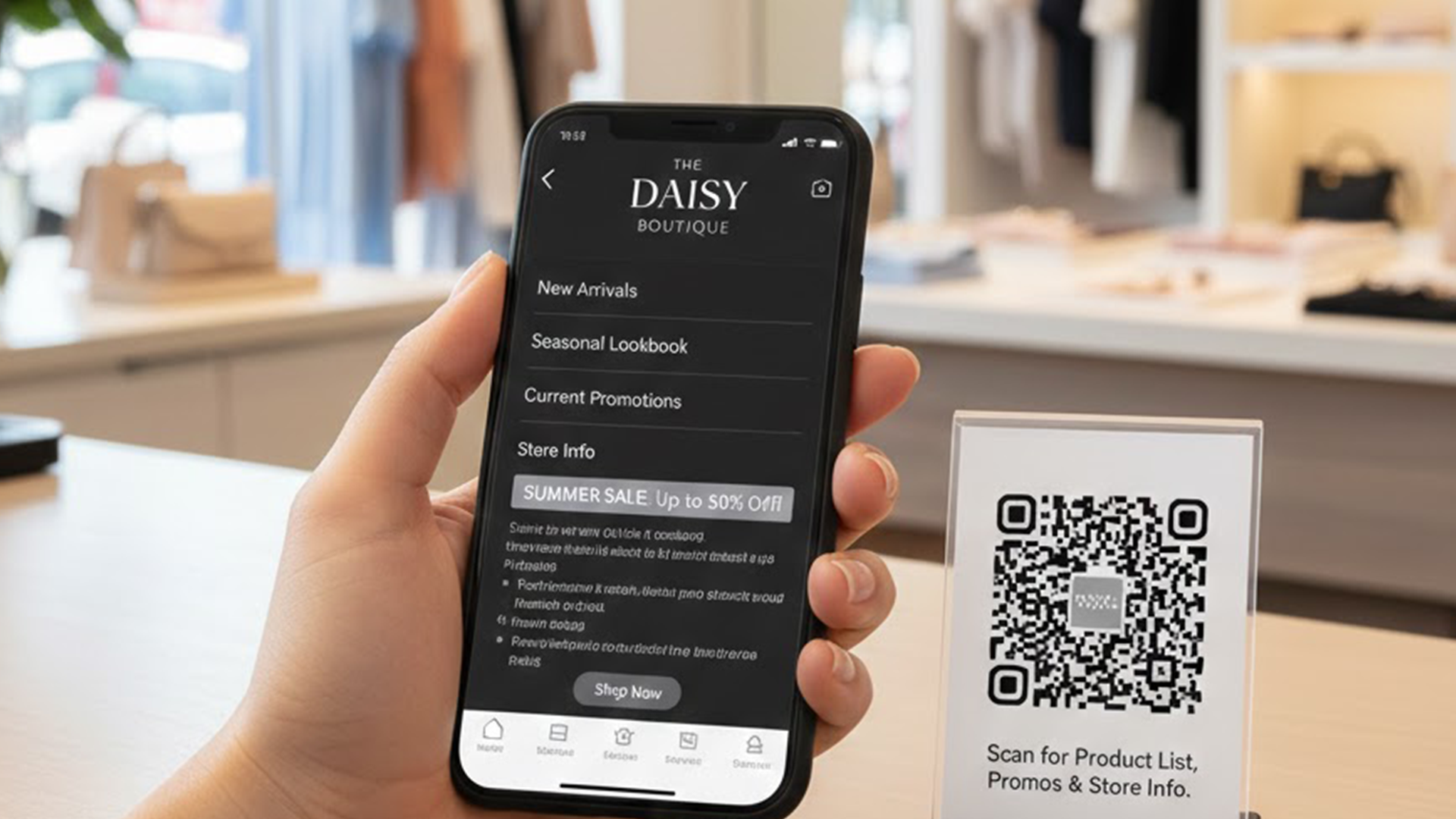
Retail & Shops
Showcase product lists, promotions, and store info. Perfect for boutiques, florists, and specialty shops.
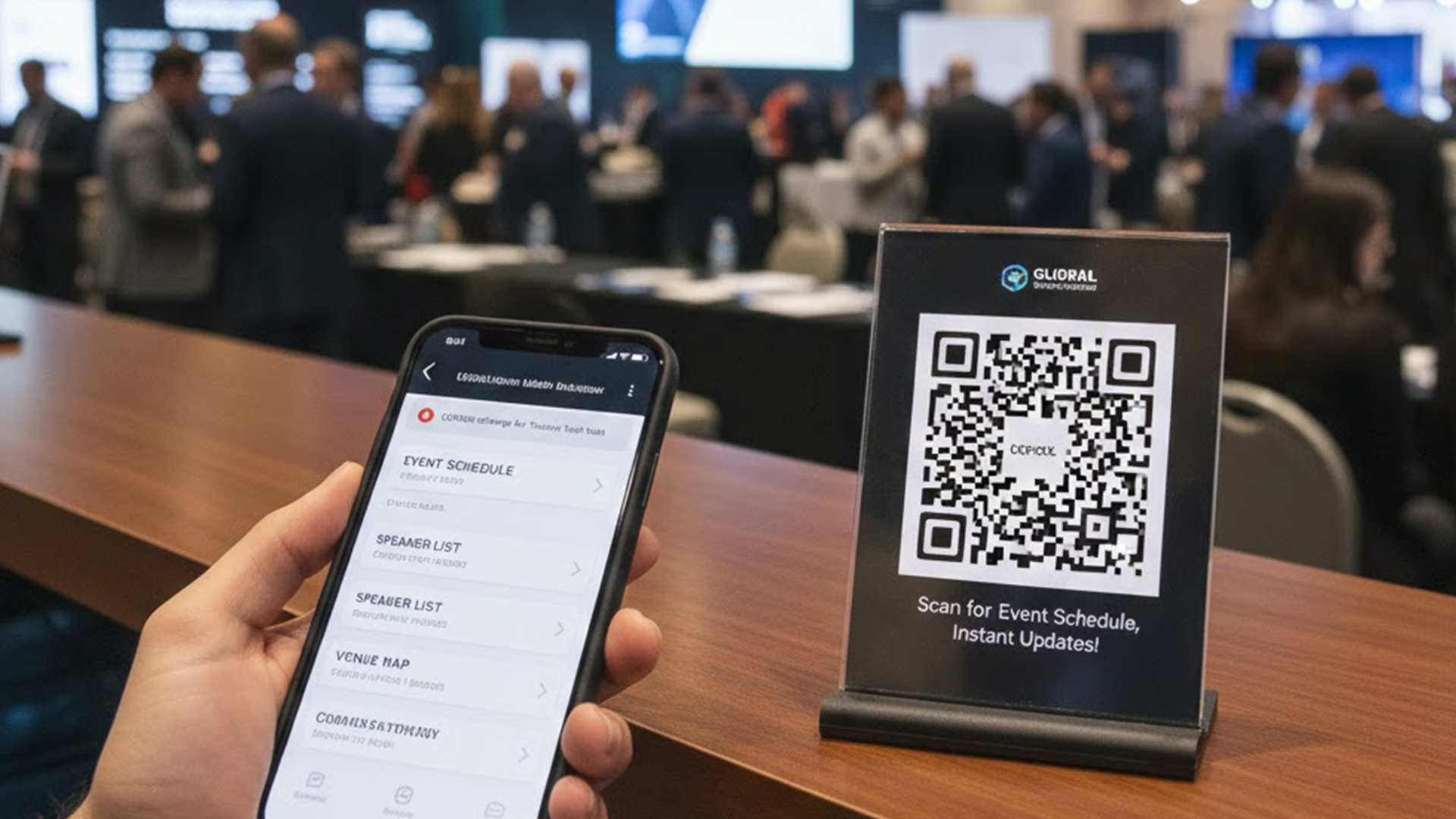
Events & Venues
Share event schedules, speaker lists, and maps. Instantly update info for conferences, weddings, and more.
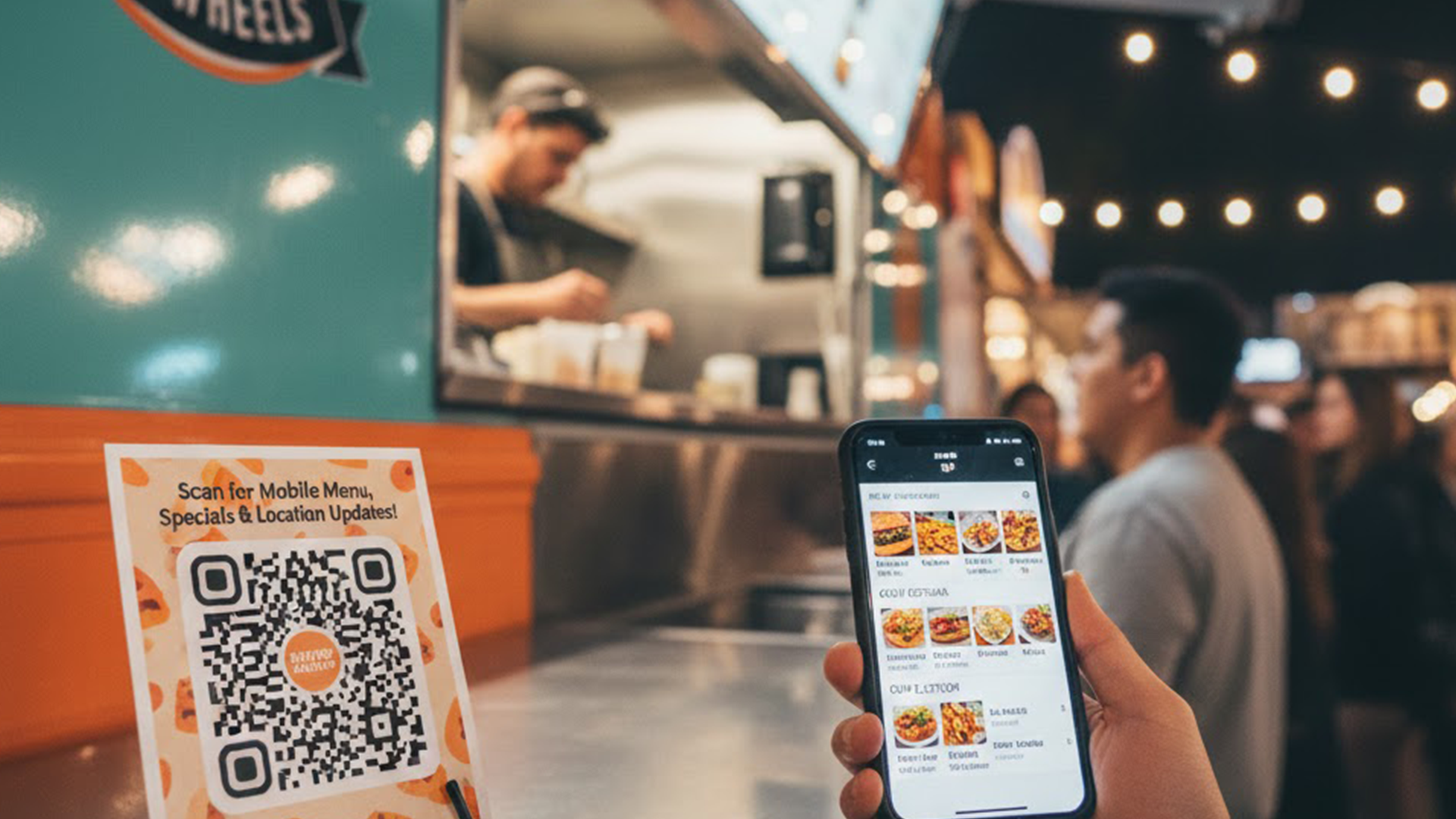
Food Trucks
Mobile menus that can be updated on the go. Change locations, prices, and specials from anywhere.
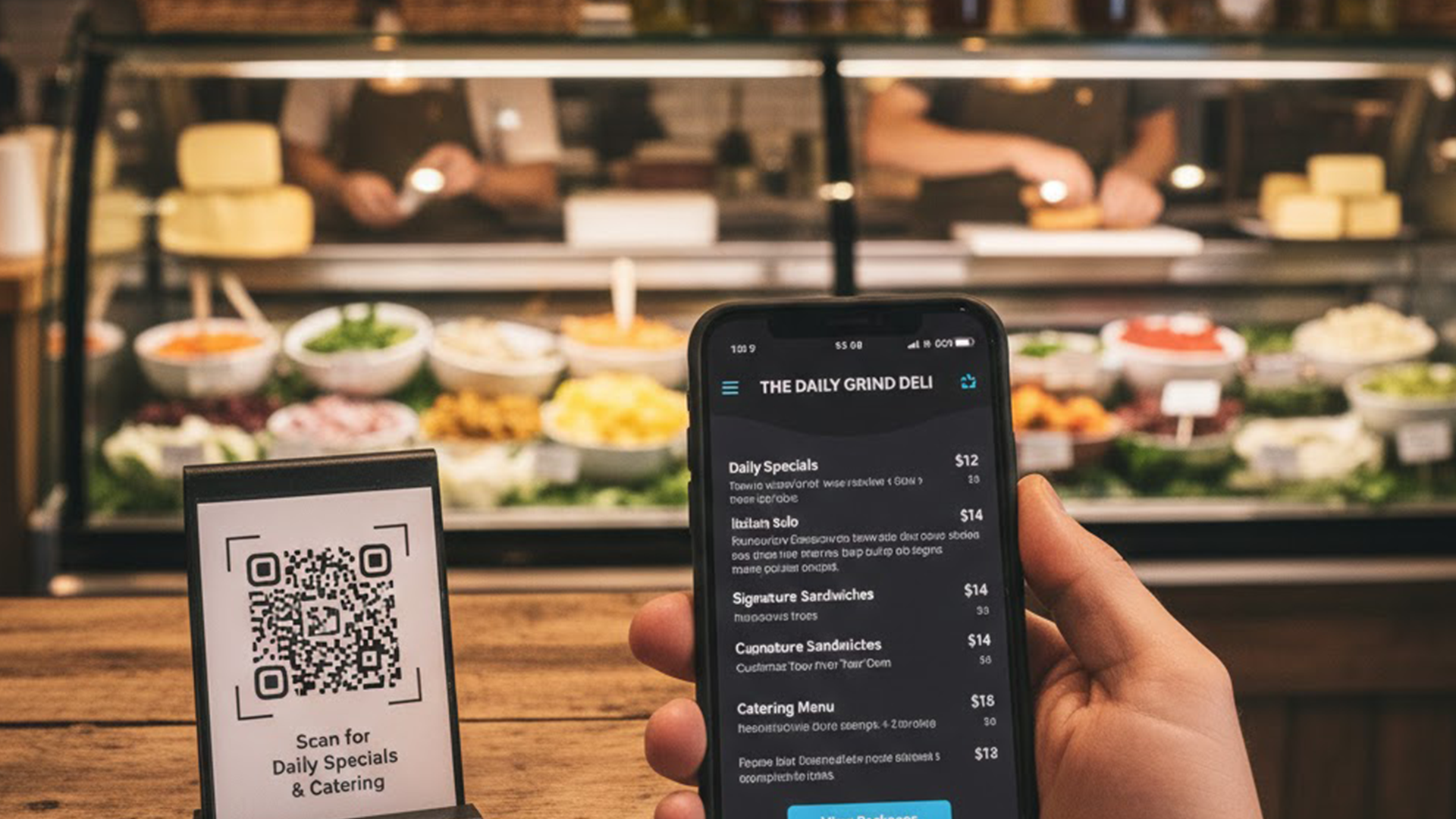
Delis & Sandwich Shops
Display daily specials, sandwich options, and catering menus with clear pricing and customisation.
Simple pricing. One plan.
Everything you need to run digital menus, QR codes, and updates without limits.
- ✓Unlimited menus, items, and QR codes
- ✓Unlimited scans and analytics
- ✓Custom branding, themes, and layouts
- ✓Cancel anytime, no contracts
All features included. No setup fees.
Fast to launch
Create and publish a menu in minutes with flexible layouts and instant updates.
Built for teams
Manage multiple menus and locations without extra costs or tiers.
Reliable analytics
Track scans and views to understand what customers see most.
Trusted by businesses and venues across industries
From cafes and restaurants to salons, gyms, events, and retail — organisations of all kinds rely on Menu Link to share menus, services, and offerings with customers.
"Menu Link made it easy for our restaurant group to update menus across multiple venues. Analytics showed us which items to promote and customer satisfaction improved."
— Sarah Chen, Multi-site Restaurant Manager
"We use Menu Link for our salon services and bookings. The QR service list saves time and makes upselling much easier."
— Priya Singh, Salon Owner
"Perfect for our gym class schedules — members appreciate quick access and the ability to see changes instantly."
— Marcus Lee, Gym Manager
"We used Menu Link at a recent event to share speaker bios and schedules. It saved our team time and reduced paper waste."
— Elena Garcia, Event Producer
"Our deli switched to Menu Link for daily specials. It's fast to edit and our customers like the clarity on allergens."
— Tom Reilly, Deli Owner
"Menu Link helped our retail shop showcase seasonal products and promotions — customers appreciate the beautiful layout."
— Aisha Noor, Retail Owner
Frequently Asked Questions
Common questions about menus, printing, and usage.
What export formats do you support?
We support high-resolution PNG and SVG QR code exports suitable for digital use and printing. SVGs preserve vector artwork and scale cleanly; PNGs are high-resolution raster images ready for printing.
Do QR code exports include bleed and crop marks?
QR codes can be edited in design software to add bleed or crop marks when required. For straightforward printing, PNG exports provide high-resolution raster images. If you need help preparing files for a print shop, we can guide you through recommended settings.
Can I add my logo to designs?
Yes — you can upload your logo and apply brand colours when creating or editing a menu in your dashboard.
Can I use menus created with Menu Link for commercial purposes?
Yes. Menus generated with Menu Link may be used for commercial, promotional, or business purposes — provided such use complies with our Terms of Service and Acceptable Use Policy.
How do contact integrations work?
Contact information can be included directly in your digital menu with links to call, email, or visit your social media pages.
Join businesses and teams already using Menu Link for digital menus and service listings.
Start Your Free Trial